

1. Choose Your Channel
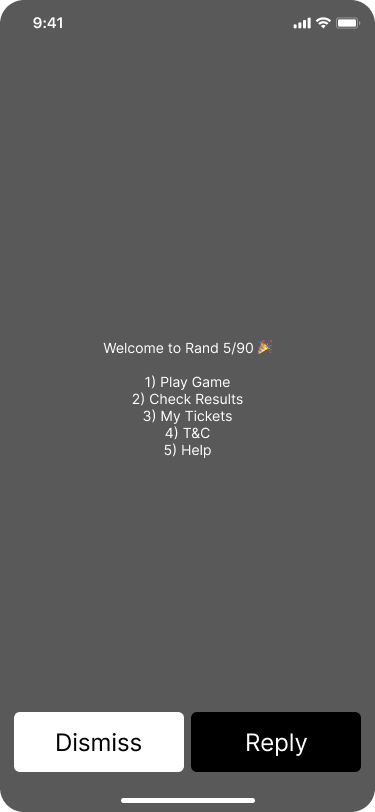
Dial *XXX# from any phone — no internet required.
2. Select Game Type
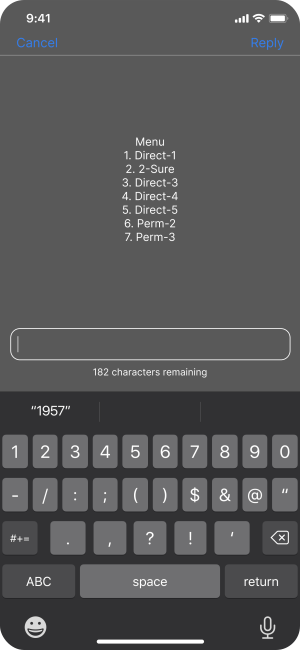
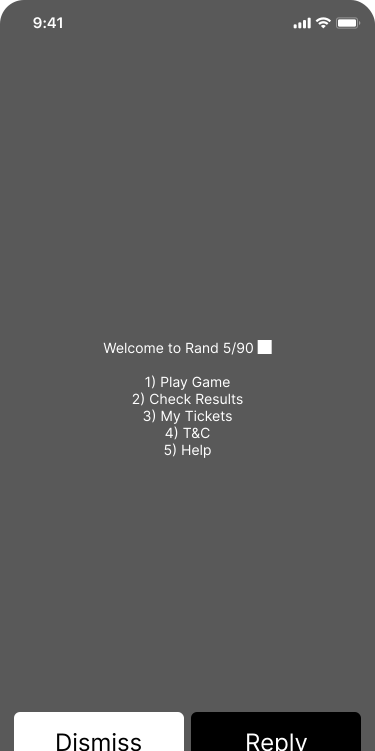
Dial *XXX# on your phone. From the main menu, select Play Game, then choose your preferred game type by entering the corresponding number (1 for Direct-1, 2 for 2-Sure, etc.). The system will guide you to enter your numbers next
3. Pick Your Numbers
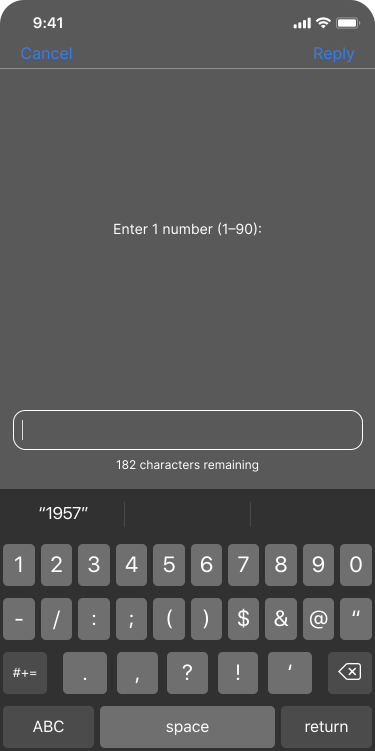
Dial *XXX# on your phone. From the main menu, select Play Game, then choose your preferred game type by entering the corresponding number (1 for Direct-1, 2 for 2-Sure, etc.). The system will guide you to enter your numbers next
4. Enter Stake Amount
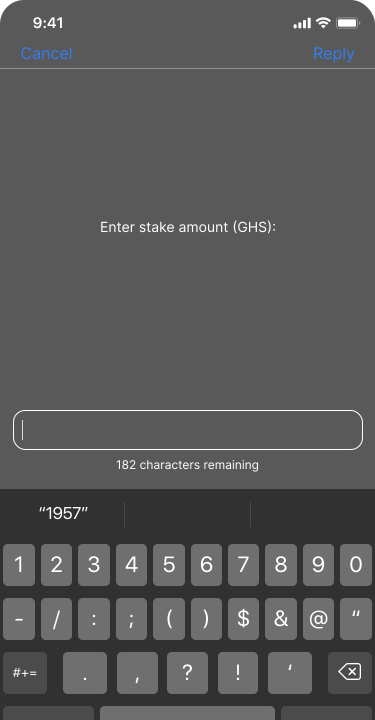
After selecting your numbers, the next step is to decide how much you want to stake. This is where you enter your bet amount in Ghana cedis (GHS). Rand makes it simple to set your stake across all channels — Mobile App, USSD, and Agent/Retailer POS.
5. Confirm and Pay
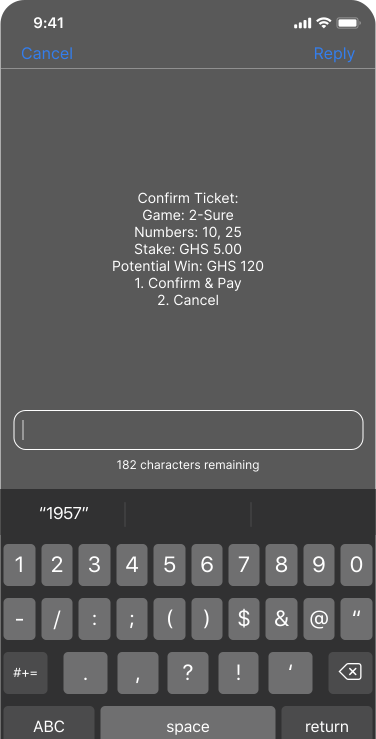
After entering your stake on USSD, the system displays your ticket summary for review. Press 1 to Confirm & Pay or 2 to Cancel. A Mobile Money prompt pops up on your phone asking you to approve payment. Enter your MoMo PIN to complete. You’ll receive an SMS ticket confirming your stake and numbers.
6. Check Results
Dial *XXX# and select Results from the main menu. Enter your Ticket ID when prompted or simply view the latest winning numbers for each draw. If your ticket has won, an SMS confirmation of your payout will be sent to you and the amount credited to your Winning Wallet.

Whatever the challenge, we deliver the perfect solution